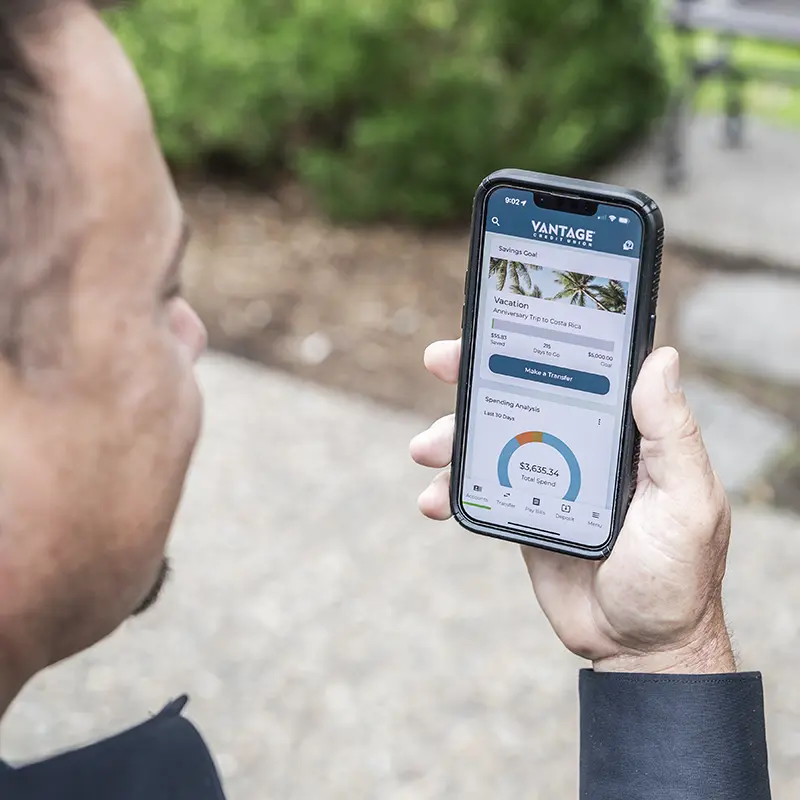
Member looking at digital banking app

Cybersecurity & Fraud Prevention

Protecting what’s yours.

If you’ve ever been the victim of a financial scam or fraud, there’s no reason to be embarrassed. It can happen to anyone. Nearly 75% of U.S. adults have experienced an online scam or attack, with most saying they receive scam calls, texts, or emails every week.1

As technology advances, scammers are getting more sophisticated. Vantage Credit Union is committed to the safety of our members and the security of their assets. We’re here to help with any questions you have or issues that come up. Use this page as a resource to learn about fraud and how to avoid it, as well as what to do if you become one of the nearly one-third of Americans who are victimized every year.

Is It a Scam?

Trust your gut. If something seems suspicious, pause and reconsider before you take any action. Reach out to your local Vantage branch or contact us for guidance.

Common Scams

From deep fake calls from a “loved one” in trouble to a huge jackpot you just supposedly won, scammers use a variety of tactics and approaches to separate you from your hard-earned money. Here are a few you should be wary of:

Phishing

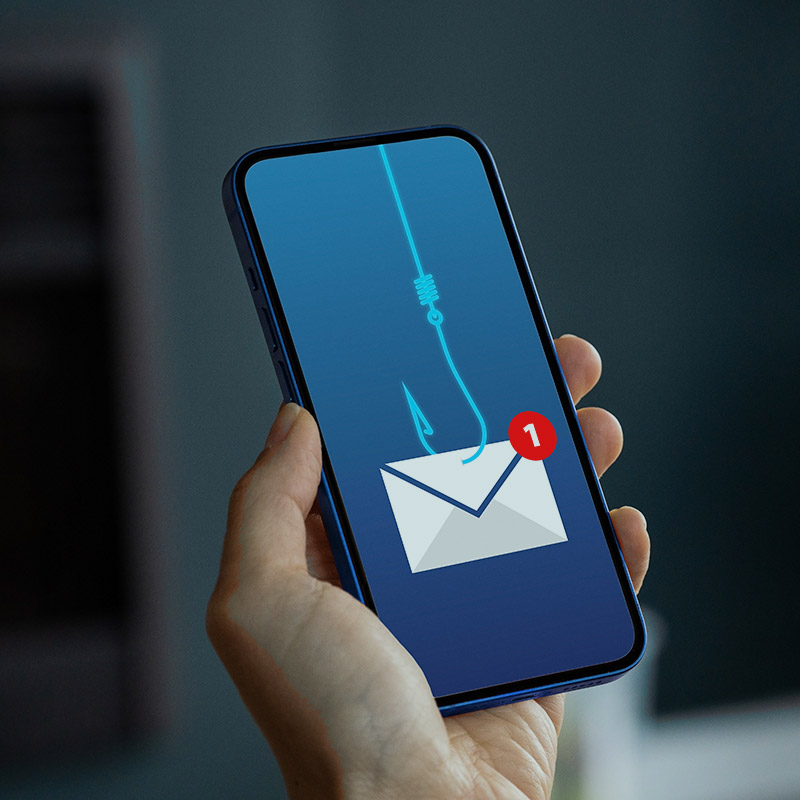
Netflix, Amazon, your bank or another company sends you a convincingly real email, text message, or call to alert you of an issue with your account. They ask for personal data (passwords, PIN, social security number, credit card or account information) which they then use to steal your identity or money.

1 icon

Emergency Scams

You receive a call, voice mail, or video of a loved one who’s in the hospital, jail, or even been abducted. You’re asked to send money immediately. Also known as Grandparent Scams, these scammers use online information and AI to convince you that the situation is real and you must respond right now.

2 icon

Overpayment

Someone pays you for services provided or items purchased. But the payment is much bigger than the agreed amount. They ask you to reimburse them the difference, except that their payment to you is fake, while yours is real.


3 icon

Employment

You apply to a job listing, or an employer reaches out to say you’re the perfect candidate! They ask for your personal information or for money upfront to cover training or equipment costs. You soon discover the job listing was a phony, your identity has been stolen, and that money is gone.

4 Icon

AI and Deep Fakes

These scams use advanced technology to mimic real voices or videos, making fake calls or videos seem real. Watch for phone calls, messages, and emails that sound or look like someone you know but feel “off.”


5 Icon

Tech Support

You may get a call or pop-up saying your computer has a virus. The scammer offers to “fix” it but wants access or payment. Watch for unsolicited tech help, remote access requests, or payment demands. Real tech support won’t contact you out of the blue. Only seek help from trusted sources.

6 icon

Romance Scam

A person you met online says they love you but need money for a medical emergency or for travel to come see you. Avoid it: Be cautious with online relationships. Never send money to someone you haven’t met in-person.

7 icon

Identifying Fraudulent Communication

Scammers have become experts at creating emails, texts, social media messages, and calls that look and sound like the real thing. Here’s how you can ensure that messages you receive really are from Vantage Credit Union:

  • Check the email address or phone number—If it’s from anything other than @vcu.com or an area code other than 314, it might be a fake.
  • Before you provide any information or click on any links, contact Vantage at 314.298.0055 or info@vcu.com to verify the sender of the message.

eye icon
Member meeting with Vantage team member

Reporting Fraud

If your Vantage account, credit or debit card has been compromised, contact us immediately to temporarily block the account. You can also lock your credit and debit cards in Vantage digital banking. If you believe your phone, internet, insurance provider, or other retail or utility account has been breached, contact their customer service department right away.

If you’ve been the victim of another type of fraud, contact your local police department, attorney general’s office, as well as the appropriate government office:


Member at airport setting up Travel Notification in digital banking

When traveling abroad

Let Vantage know the dates and destinations of your trip before you go by creating a Travel Notification in digital banking. Make sure to validate and update your contact information so we can reach you in case of unusual activity on your account.
Couple looking at account on laptop and seeing they've been scammed

If You've Been Scammed

After alerting your financial institution, credit card provider, local police, and the appropriate government agencies, protect yourself from further loss by following these steps:

  • Stop all contact with the scammer – Delete emails and texts. However tempting it may be, do not attempt to “scam the scammer.” Let the authorities take care of it!
  • Secure your devices – Run anti-virus software, and delete any additional suspicious items.
  • Change your passwords on all affected accounts – Use multi-factor authentication wherever possible.
  • Check your credit reports for suspicious activity.
  • Monitor your accounts.
Vantage team member

Keep on Fighting Fraud

Whether or not you’ve ever been scammed, take measures now to reduce the risk of becoming a victim.

  • Use strong passwords and update them often.
  • Use secure payment options – Credit cards are the safest as they limit your liability and allow you to dispute charges.
  • Protect your information – Verify the identity of anyone asking for personal information. Don’t give out your credit card or account numbers unless you’re actively buying something. Most transactions should not require your social security number unless you are applying for credit.
  • Do not share sensitive information like account numbers by email – If an online form is asking for such information, the website address should begin with “https.”
  • Check your credit reports regularly, including through SavvyMoney within digital banking.
  • Stay skeptical – Trust your instincts and be wary of unsolicited offers or outlandish promises of big rewards.
We have answers

FAQs

Is it safe to bank on public Wi-Fi?
Avoid it for sensitive tasks—use a VPN or mobile hotspot instead. Public networks can expose your data to interception. Always log out fully and update antivirus software regularly.
How often should I change my password, and what makes a strong one?
Change your password every 90 days or immediately if you suspect a breach. A strong password is at least 12 characters long, includes uppercase/lowercase letters, numbers, and symbols, and avoids personal info like birthdays, pet names, or other information that may be available on social media. Use a unique password for our site—never reuse it elsewhere. Consider a password manager for help.
How do I secure my email and devices?
Use strong, unique passwords with MFA on email accounts. Install/update antivirus/anti-spyware, avoid unknown downloads, and back up data weekly. Shred sensitive documents and use secure delete tools for digital files.
How can I protect my cards from fraud?
Memorize your PIN (don't write it down), sign the card back, and monitor transactions via alerts. Shop only on secure sites, and report suspicious charges immediately. Mastercard's Zero Liability Protection covers you for unauthorized use.
How can I stay proactive about my financial security?
Review accounts weekly, update contact info for alerts, avoid sharing details on social media, and use privacy settings on devices/apps. Pick up mail daily to prevent theft, and consider our free credit score tools for ongoing monitoring.
How does the credit union protect my information during online sessions?
We use industry-standard 256-bit SSL encryption to secure your data in transit, ensuring it's unreadable to unauthorized parties. Look for the https:// in the URL and a lock icon in your browser. Sessions automatically time out after 20 minutes of inactivity, and we employ firewalls, intrusion detection, and real-time monitoring to block threats.
What is multi-factor authentication (MFA), and how do I enable it?
MFA adds an extra layer of protection by requiring a second verification step (like a one-time code sent via text, app, or email) after entering your password. It's enabled by default for new users—log in to Online Banking, go to Menu>Settings>Profile, and verify your phone or email. Ensure MFA is enabled in Menu>Settings>Security.  This helps prevent unauthorized access even if your password is compromised.
What if I need more help or resources?
Visit the FTC's identitytheft.gov for recovery steps or contact us for personalized advice. We're here to empower you with tools like transaction alerts and secure messaging—use them to stay one step ahead of threats.
1Gottfried, Jeffrey. Park, Eugenie. Anderson, Monica. “Online Scams & Attacks in America,” Pew Research Center, 31 July 2025, https://www.pewresearch.org/internet/2025/07/31/online-scams-and-attacks-in-america-today/